Why KOREPay · Tap to Pay on iPhone
Your iPhone is the terminal.
Accept contactless cards and digital wallets with Tap to Pay on iPhone — no extra hardware, no waiting.
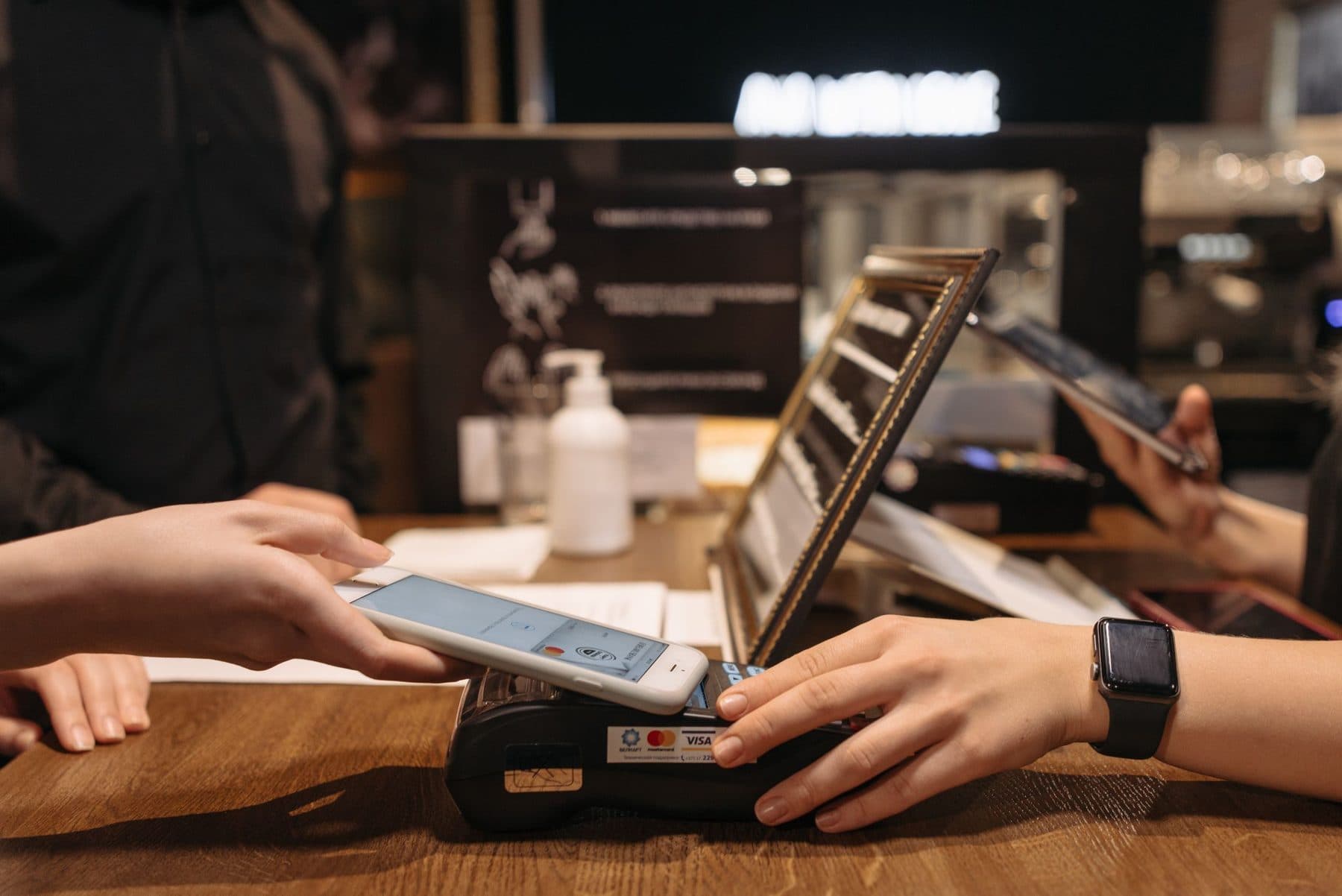
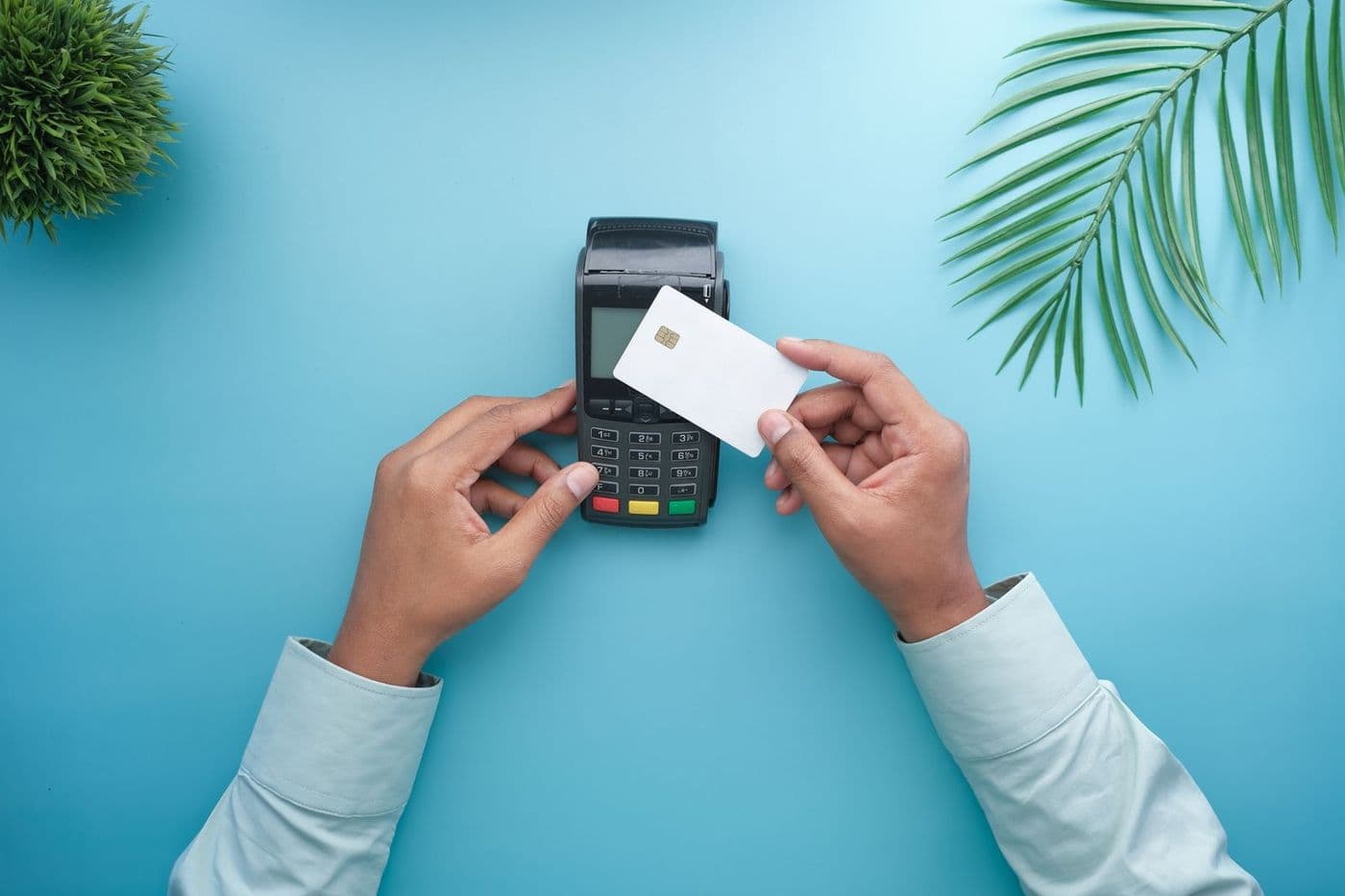
No reader. No terminal. No problem.
With Tap to Pay on iPhone and the KOREPay app, your iPhone accepts contactless credit and debit cards, Apple Pay, and other digital wallets on its own.

How a sale works.
Open the KOREPay app, select Tap to Pay on iPhone, and present your iPhone to the customer. They tap their card or device, the checkmark confirms, and you're done.
- Launch the KOREPay app
- Select Tap to Pay on iPhone
- Customer taps their card or device
- Checkmark confirms — sale complete

Private by design.
Apple doesn't store card numbers on the device or on Apple servers, and every KOREPay transaction is protected with end-to-end encryption and tokenization.
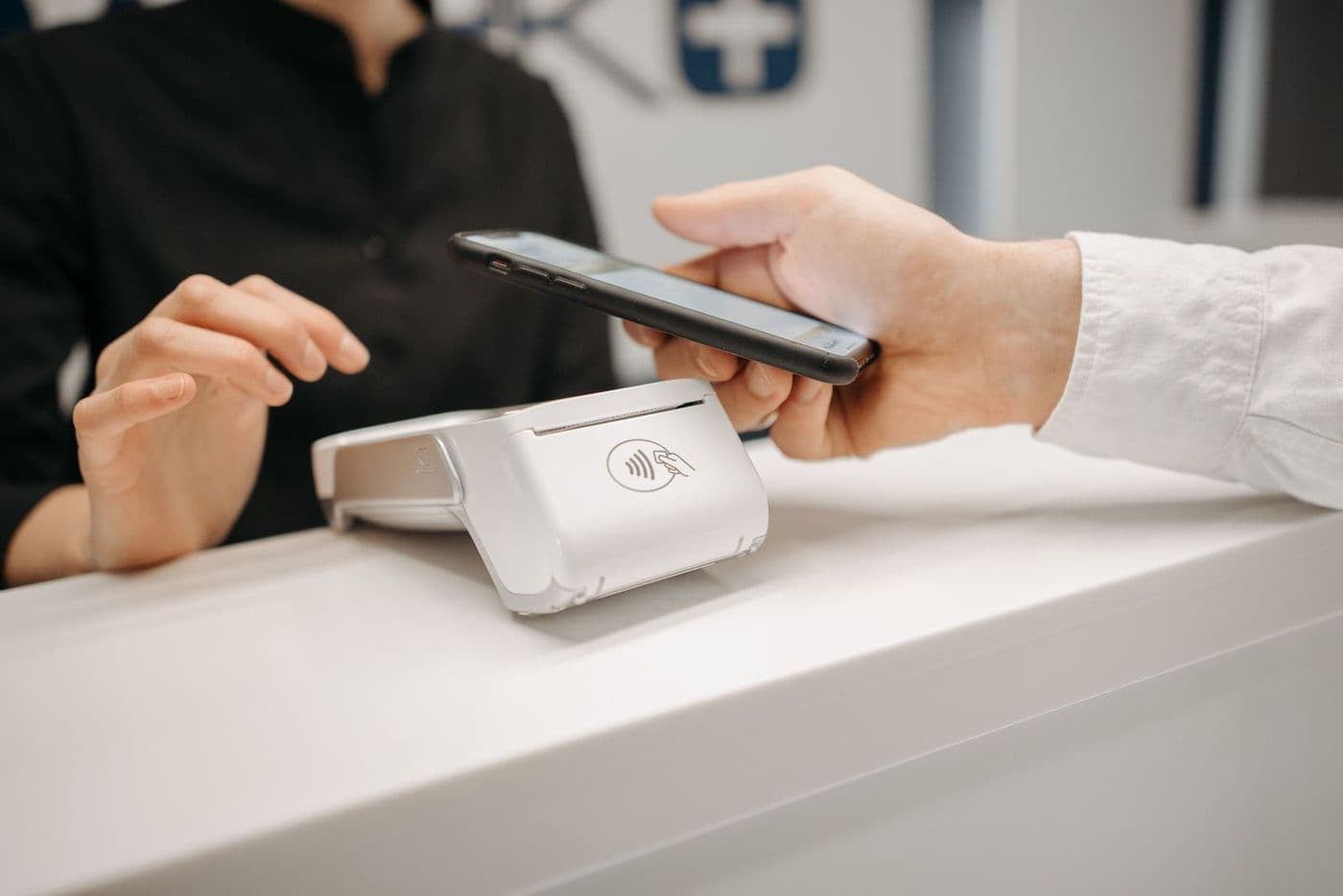
What you need.
Tap to Pay on iPhone requires iPhone XS or later. PIN-based transactions are supported on iOS 16.0 and later, with secure PIN entry and an optional screen-lock setting. Note: mobile acceptance fees apply in addition to card-present rates.
Confident in every transaction.
End-to-end encryption, tokenization, and in-house processing on every payment — plus PCI Shield with breach forgiveness up to $100,000.
Who's it for?
What does it cost? Most tools on this page are included with every account — see pricing.
Your money, moving faster.
Get a rate built around your business in minutes — and talk to a human, not a phone tree.